English
 Русский язык
 بالعربية

Products Description
OPTIMATION OM1500 HMI Operator Terminal
Module Feature
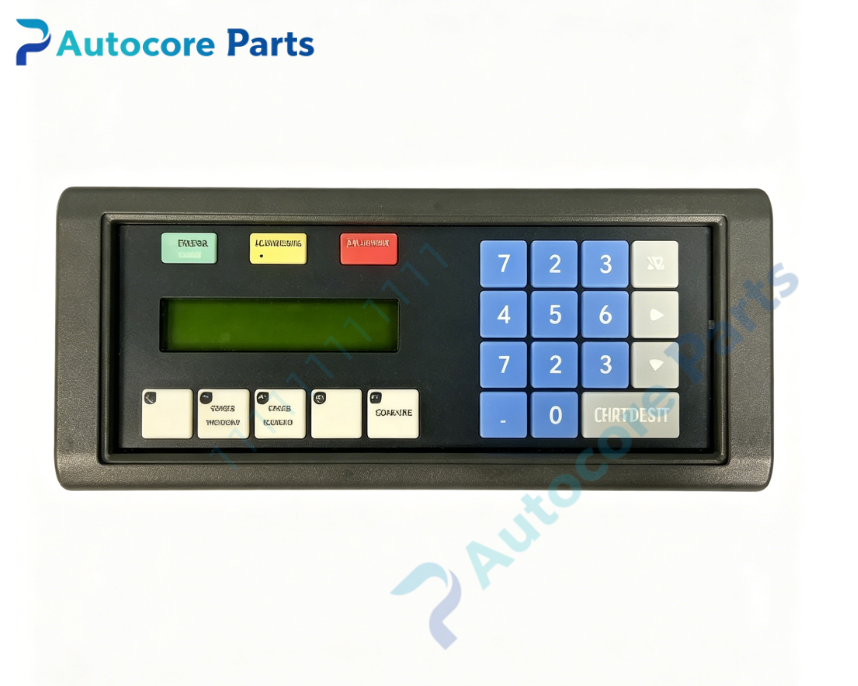
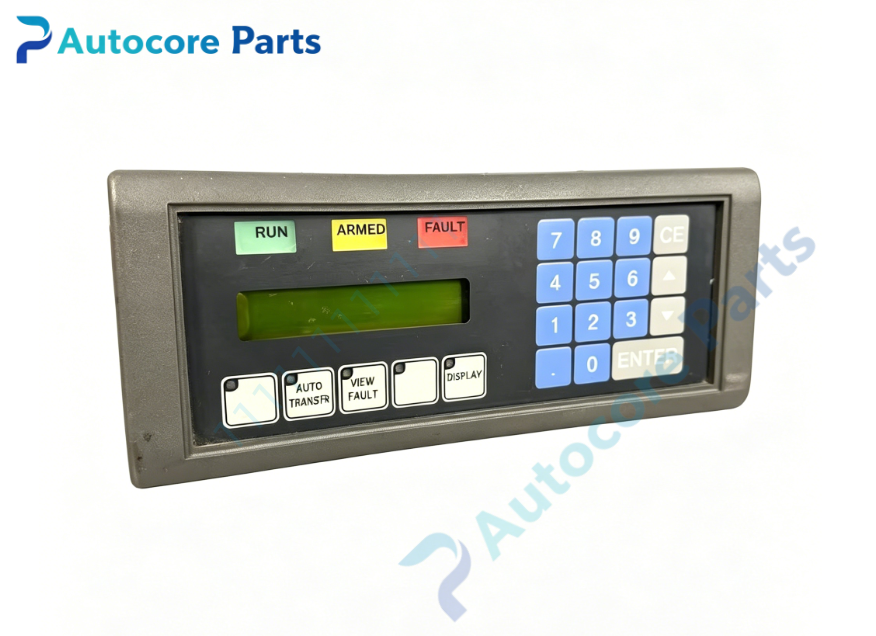
OPTIMATION OM1500 belongs to OptiMate series compact operator terminal. Equipped with 2 line × 20 character LCD display, full numeric keypad, 5 function keys and 3 LED indicator bars. Supports RS232 and RS422 serial communication, can store up to 160 predefined messages. It can read process variables, display alarms and accept numeric input from operators. Panel mount design, widely applied in chemical delivery and industrial automation control cabinet.
Working principle: It communicates with PLC or controller via serial bus. It reads real-time process data to display on LCD, and transmits key input commands back to the host controller. Onboard components: 2×20 LCD screen, membrane numeric keypad, function keys, LED indicator bar, main control PCB, serial communication port, metal front housing
LED indicatorsThree LED status indicator bars on front panel
Hardware self-diagnosis
Visual inspection, keypad function test, LCD display check, serial communication test, message storage verification
Programming software
OP-WINEDIT OptiMate configuration software for message editing, tag assignment and project download
Electrical & Process Parameters
Power supply:24V DC Display:2×20 character LCD Input:Full numeric keypad + 5 programmable function keys Communication:RS232 / RS422 serial interface Mount type:Control cabinet front panel cutout mounting
Mechanical & Structure
Mounting:Control cabinet front panel mounting Protection class:IP65 (front face)
Environmental
Operating temperature:0℃ ~ +50℃ Ambient humidity:5~95% non-condensing Certification:CE compliant Status:OPTIMATION OptiMate series operator terminal
System compatibility
Compatible with most mainstream PLC brands via serial communication, used for process data monitoring, alarm display and manual parameter input.
Function
OM1500 operator terminal manufactured by OPTIMATION. It serves as human-machine interface between operator and PLC system, showing equipment status and alarm messages, supporting manual numeric entry. Membrane keypad aging or communication parameter mismatch may lead to input failure or blank data display. It is compact HMI component for wet process and chemical delivery automation systems.
Installation
Follow lockout/tagout safety procedure before installation. Power off control system. Insert unit into cabinet panel cutout and lock mounting clips. Connect 24V DC power and serial communication cable. Download screen configuration and test communication before production startup.
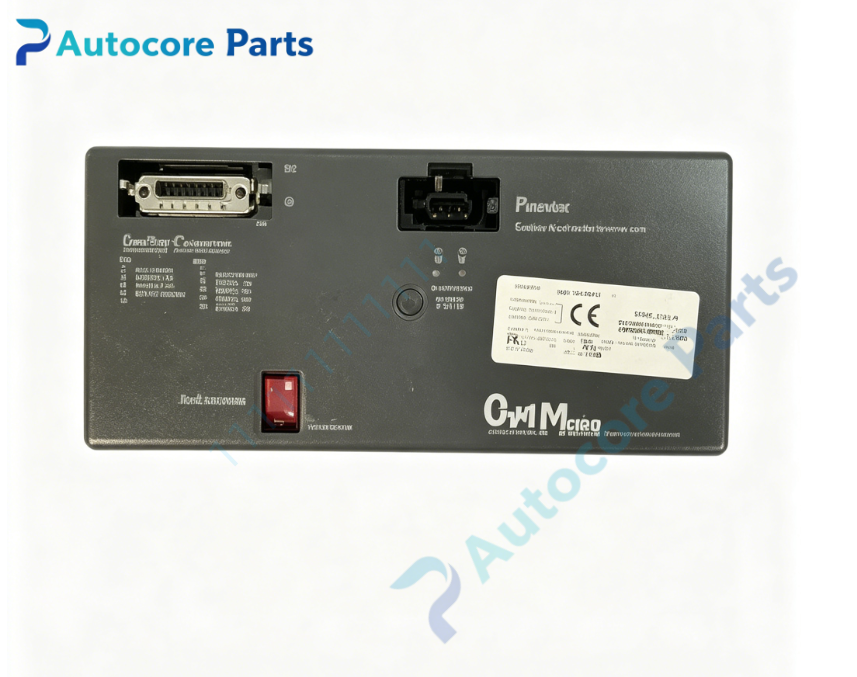
InterfaceRS232/RS422 serial port, 24V DC power connector, front panel keypad and LED indicators on housing of OM1500.
Diagnostic
Blank LCD screen: Power supply fault or display damage. Key input no response: Membrane keypad wear. No data reading: Serial communication parameter mismatch or wiring fault. Message loss: Corrupted configuration file.
Product Brief
OM1500 OPTIMATION OptiMate series operator terminal,2×20 LCD,numeric keypad,RS232/RS422 interface,for industrial automation HMI monitoring,alarm display and manual parameter input.